Skip to content
Pre-launch · Q3 2026 demos

Restaurant POS for Canada.
Guests order from their phone.

Cloud POS plus QR self-ordering. Guests scan, browse, split, and pay — no app, no login. CA$14 per location, per month. Bilingual EN + FR. Built for Canada.

No credit card · 1-year hardware warranty · One PAD/EFT on the 1st

9:41
Table 7 · Maison Verde
Dinner menu
EN · FR
All Veg GF Spicy
🥩
Steak frites
8oz AAA, hand-cut frites
$32
🍝
Pasta arrabbiata
House sauce, pecorino
$22
🥗
Garden bowl
Heirloom · citrus · hazelnut
$18
Your cart · 3 items
View cart · $72.00
Subscription
CA$14/loc/mo
App downloads
Zeroweb only
Kitchen ticket
<1sec

Built for Canada · Compliant by default

Quebec Law 25 GST · HST · PST · QST CRA-compliant receipts AWS Canada (ca-central-1) Fiserv / Clover CPA 005 PAD/EFT
Two sides. One platform.

The guest gets a faster meal. You get a faster floor.

Waitery rewires the dine-in flow so guests don't wait on staff and staff don't run orders. Both sides walk away ahead.

For your guest

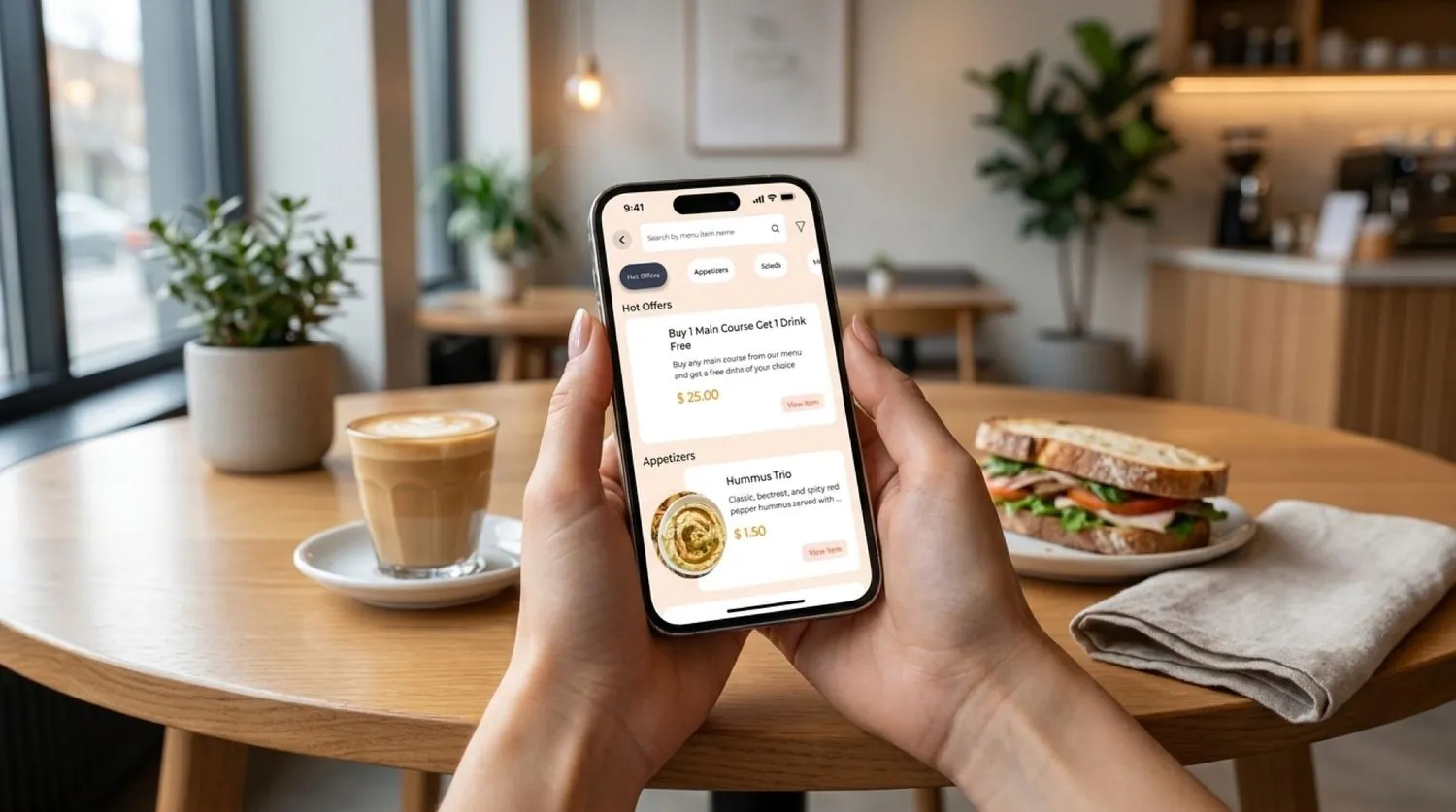
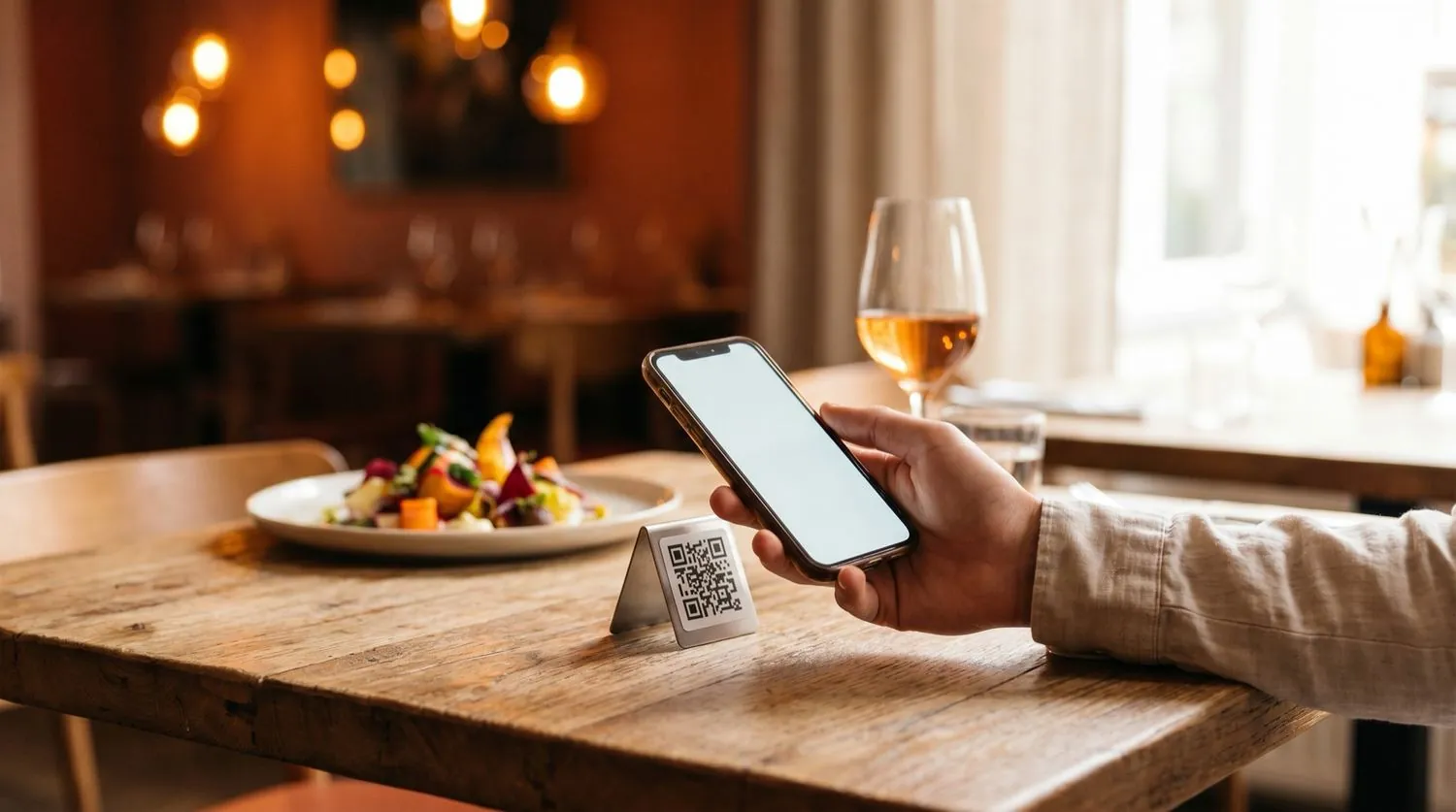
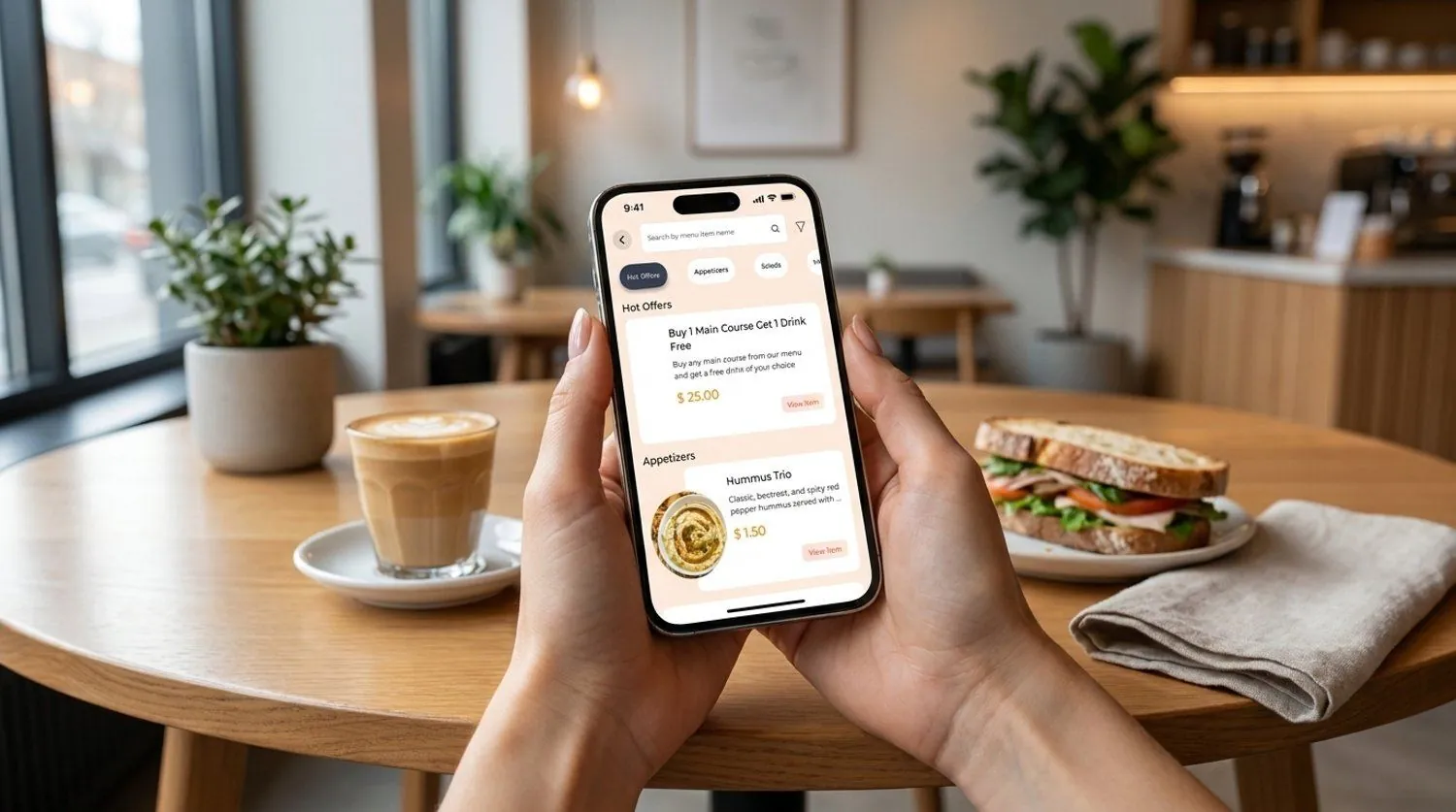
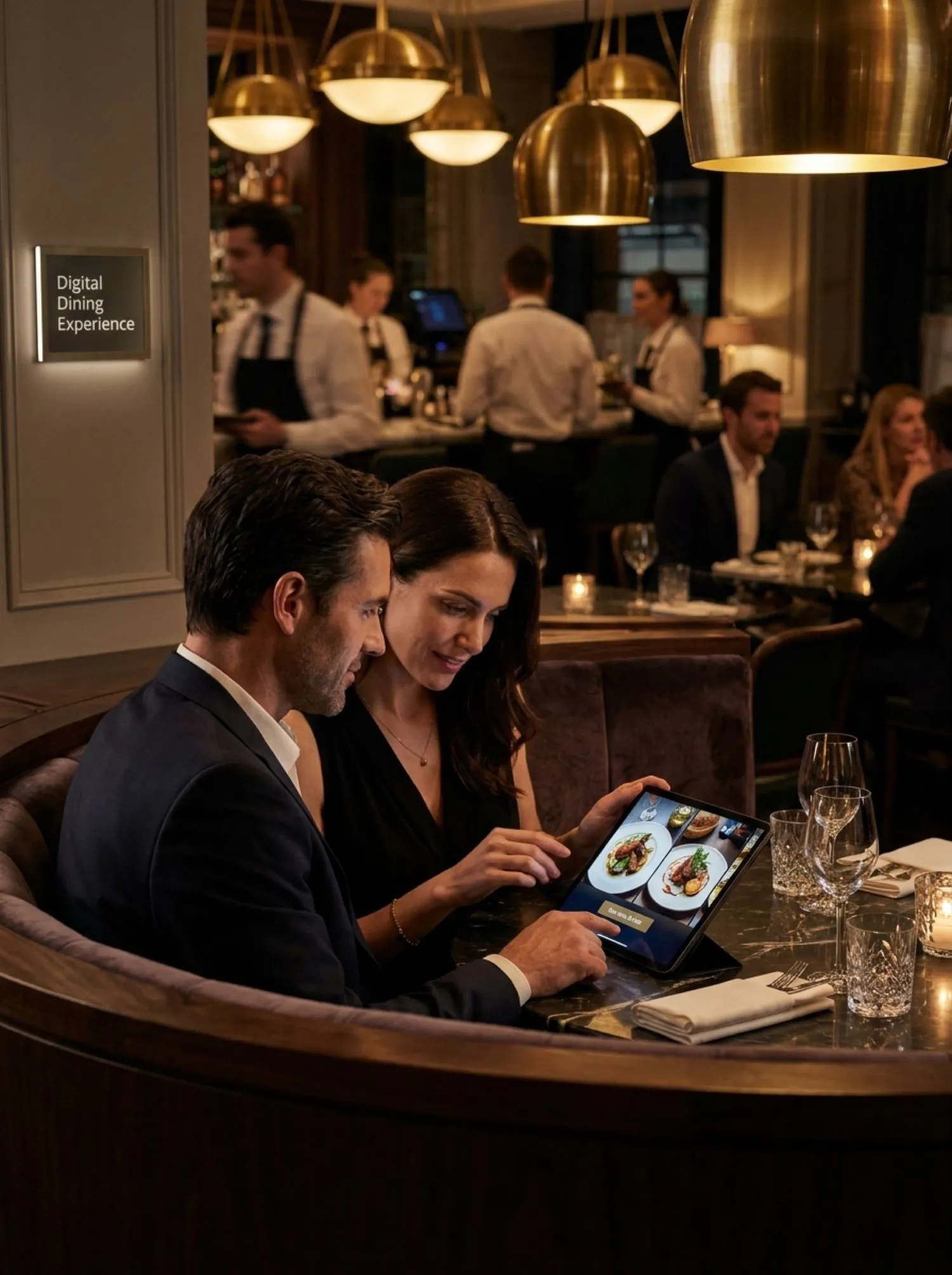
Scan. Order. Pay. From their own phone.

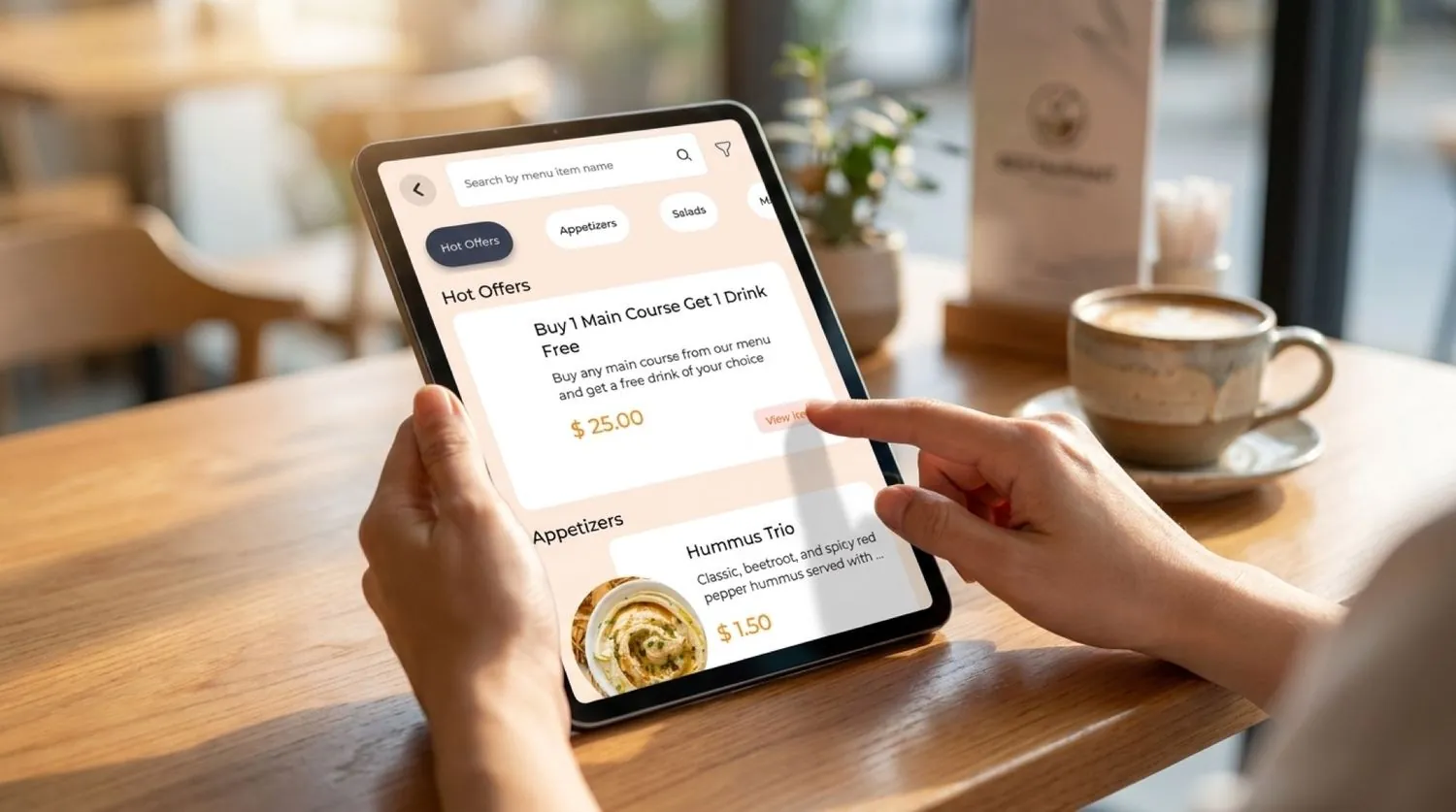
  • No app, no login, no rabbit hole. The QR opens a Progressive Web App in the browser. Done.
  • One QR per table. Multiple guests share a cart. Each pays from their own phone — split by item or evenly.
  • Allergy notes & filters. Vegetarian, vegan, GF, nuts, spicy. Special requests in any language.
  • Apple Pay, Google Pay, cards. Tipped. Tokenized. Receipt by email or SMS.
Walk through the guest flow
For your operation

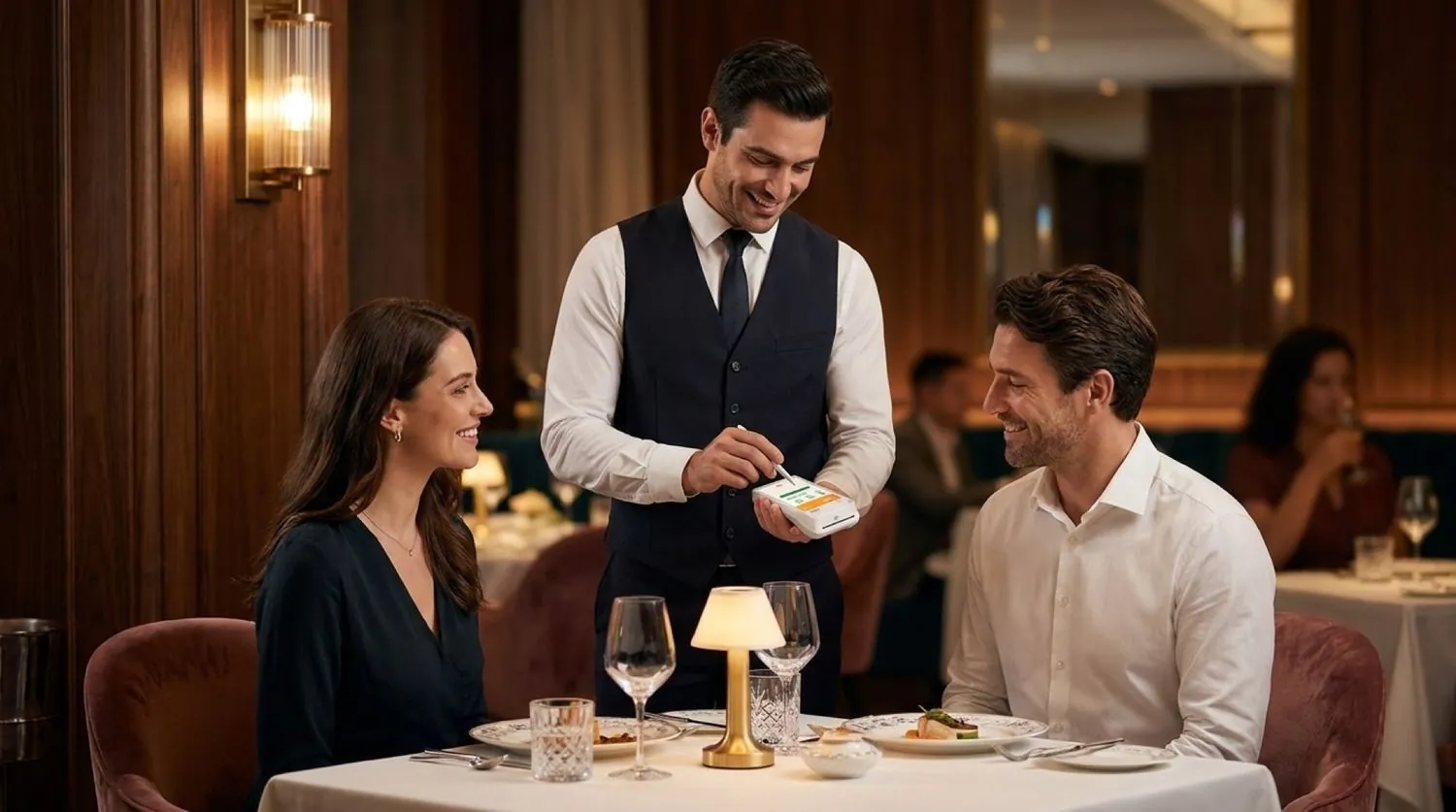
Servers off the order pad. On the floor.

  • Tables turn before food gets cold. Guests order in the first minute. Kitchen sees the ticket in under a second.
  • One PAD/EFT debit on the 1st. No payment-processor lock-ins. No surprise per-terminal invoices.
  • Hardware shipped & warrantied by us. Handhelds, KDS, cashier tablets, printers — one box, one number to call.
  • Bilingual EN + FR by default. Guest, kitchen, and receipt — configurable independently per location.
Tour the Restaurant Panel
The product suite

Six surfaces. One restaurant.

Every Waitery account ships with all six apps from day one. Self-ordering isn't an upsell. It's the operating model.

Explore the platform →
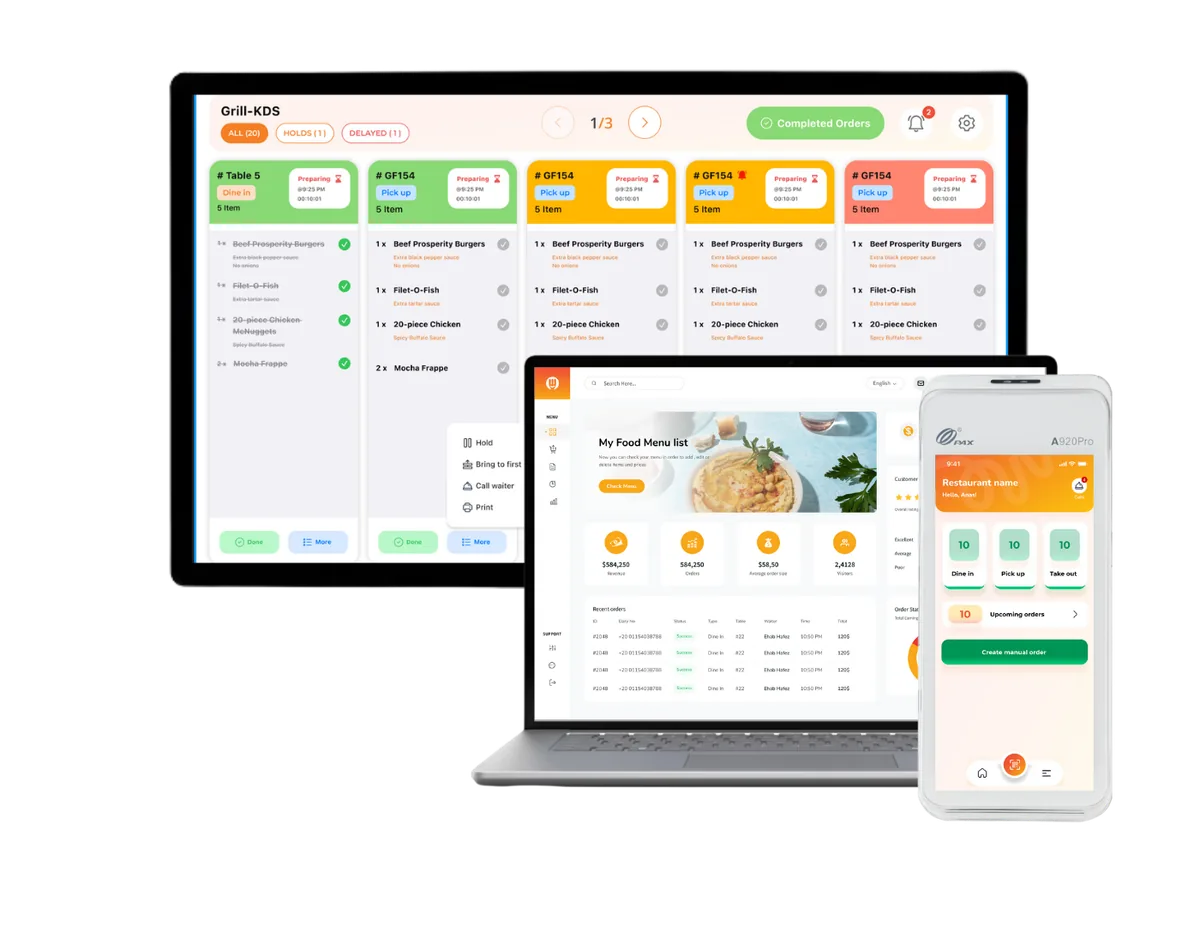
01 — Owner Restaurant Panel

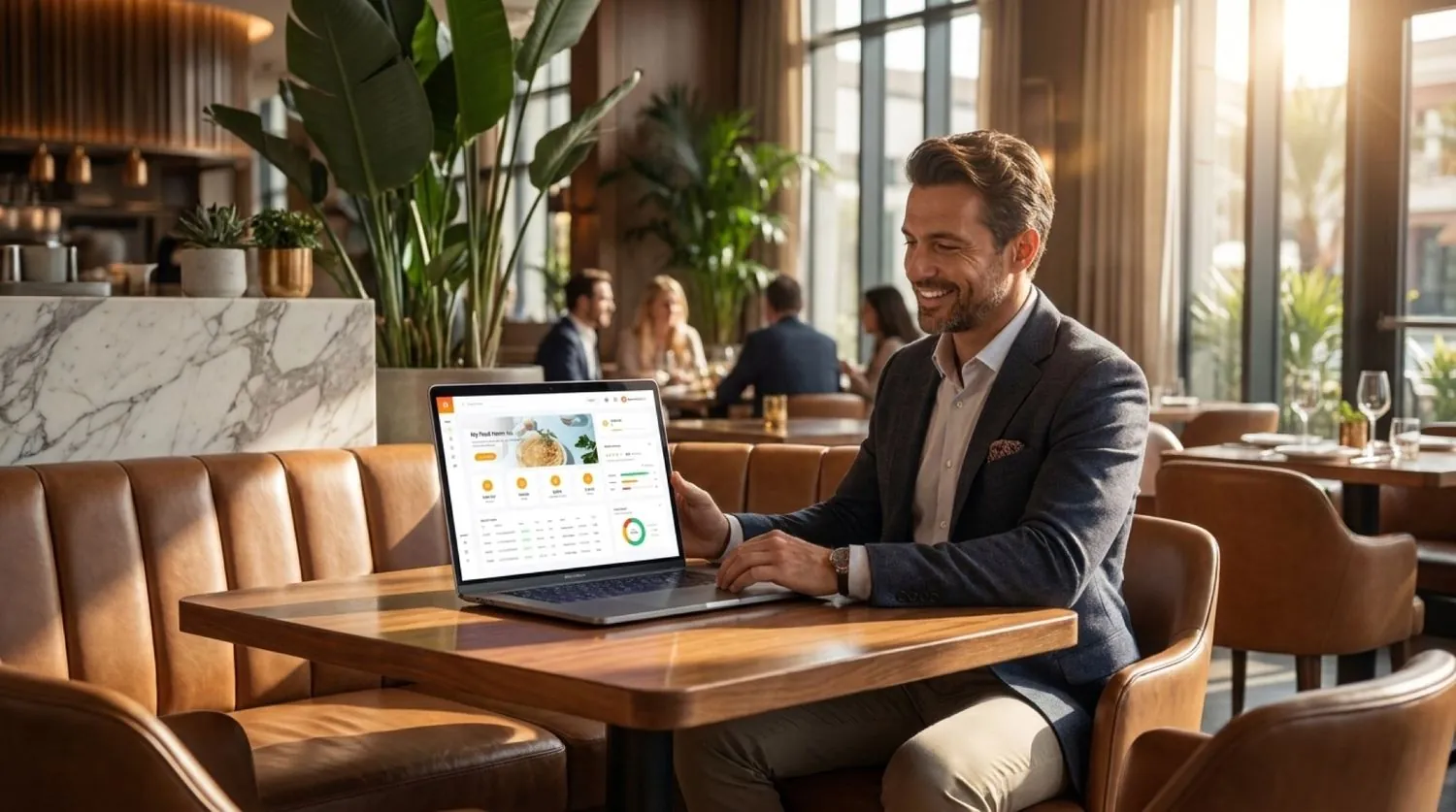
Run one location or twenty. From one panel.

Menus, staff, taxes, hardware, multi-location reporting, EFT statements — all in one place.

Today · Net
$8,402
↑ 12.4% vs Mon
Avg ticket
$54.20
156 orders
Tip rate
17.9%
All channels
02 — Guest Mobile PWA

Web Ordering App

QR-initiated. Anonymous by default. Bilingual menus. Apple/Google Pay.

No app download
03 — Staff

Waiter App

Clover Flex Pocket Gen 4 — Android handheld.

04 — Kitchen

KDS

18″ tablet, real-time tickets.

Live
05 — Front desk

Cashier App

15.6″ tablet · cash drawer · bar tabs.

06 — Waitery internal

Admin Panel

Onboarding, EFT, hardware tracking, platform monitoring — used by Waitery operations.

Kitchen display · Always on

Tickets that never miss the line.

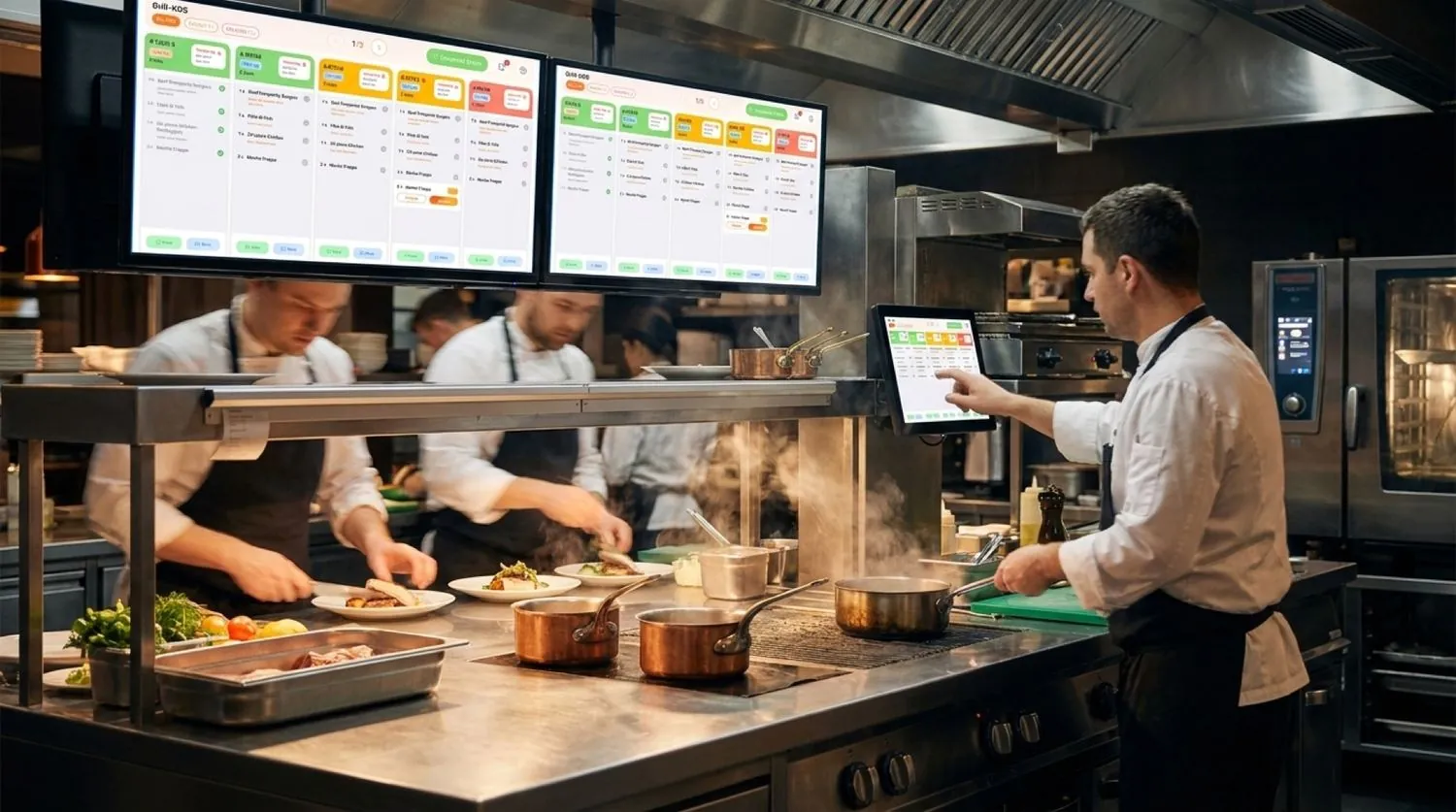
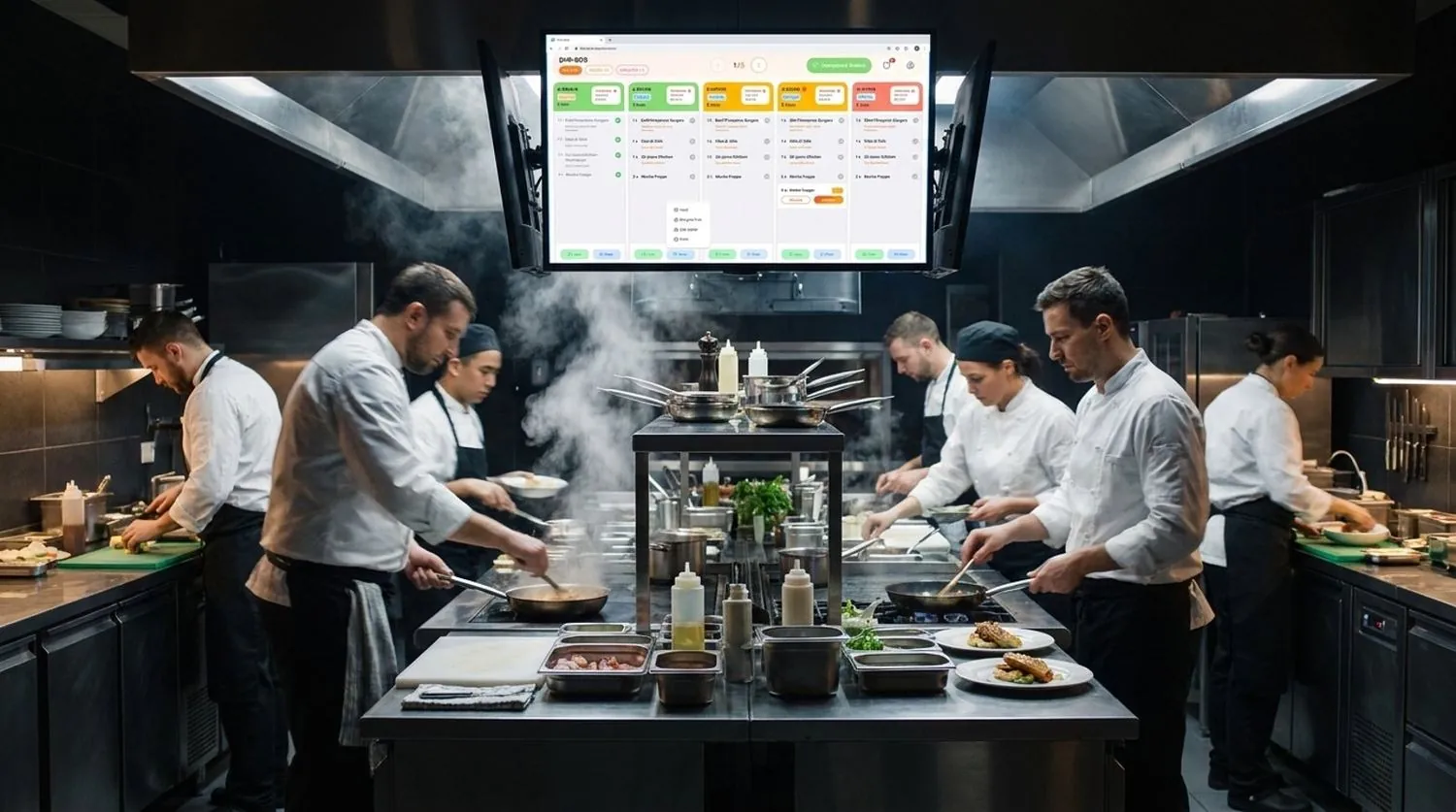
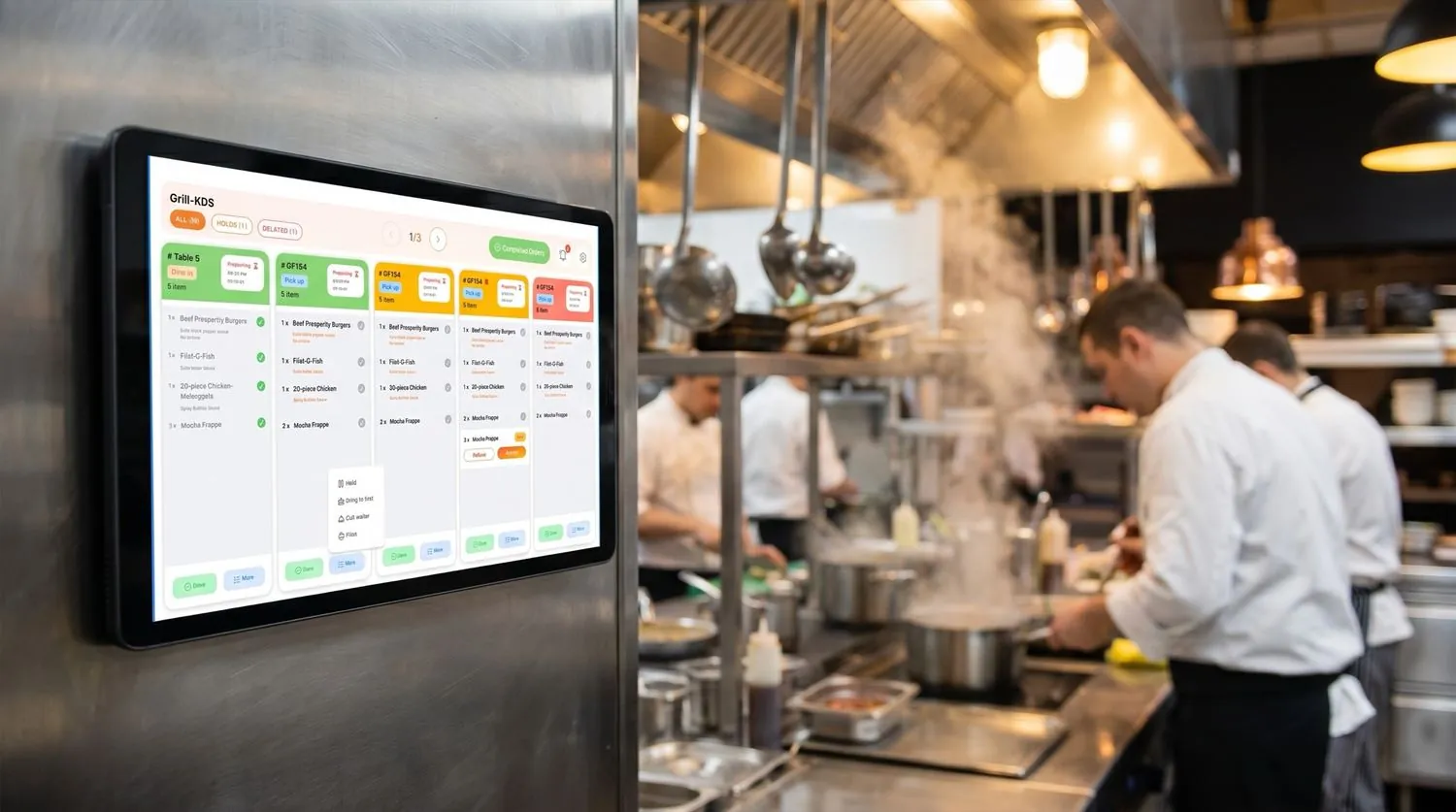
Waitery's KDS uses device-scoped auth — no sign-ins, no shift-change confusion. WebSockets and Redis pub/sub deliver tickets in under a second, and an always-on print listener keeps service running through brief network blips.

  • Real-time WebSocket dispatch · sub-second
  • Station routing & expo view
  • Prices never displayed — qty, item, mods only
  • Always-on print listener · keeps firing through shift changes
See the full kitchen flow
Hot line Maison Verde · Toronto
3 active · 0 stalled
T-7 · Guest A 0:42
  • Steak frites · MED RARE×1
  • Garden bowl×1
  • + no nuts (allergy)
T-3 · Guest B 0:18
  • Pasta arrabbiata×2
  • Caesar×1
T-12 · expo 0:04
  • Margherita×1
  • Tiramisu×1
  • + rush · child waiting
Why Waitery

Differences that show up on the line every shift.

$0

Self-ordering as default

It's the operating model, not a paid add-on. Toast charges extra for guest QR ordering — Waitery ships with it on day one.

No app

Pure mobile web

Guests scan and order from the browser. No App Store. No login. No "scan to download." Just menu and cart.

1 QR

One code per table

Multiple guests share one cart per session. Split bills evenly or by item — each guest pays from their own phone.

EN · FR

Bilingual & tax-correct

Guest, kitchen, and receipt in English or French — independently per location. GST/HST/PST/QST handled correctly for every Canadian province.

All-in

Hardware in the box

Handhelds, KDS, cashier tablets, printers, networking — we ship them, we warranty them. No third-party scavenger hunts.

1 EFT

Transparent revenue model

Low monthly subscription, à-la-carte add-ons, hardware purchase or 48-month lease — all on one PAD/EFT debit on the 1st.

vs. Toast — head to head

Toast charges what for that?

Same feature set. Different operating model. Different bill. Honest comparison, every line.

Capability
Waitery
Toast
Pricing
Subscription
CA$14 / location / mo
Per-terminal · disclosed on call
Multi-year contract required
No
Standard 2-3 yr
Billing cadence
One PAD/EFT, the 1st of every month
Multi-line invoice + payment-processor
Guest experience
Guest self-ordering (QR, no app)
Default · included
Paid add-on (Toast Mobile Order & Pay)
Split bill from each guest's phone
By item or evenly
Limited
Canadian fit
Bilingual EN/FR · per touchpoint
Day-one · independently configurable
Limited French
GST · HST · PST · QST
Province-correct out of the box
Manual setup
Quebec Law 25 compliance
Built in · 30-day deletion
Operator-managed
Hardware
Shipped & warrantied by vendor
Yes · 1-year warranty
Catalog · third-party support
Lease with $1 buyout
48 months
Varies by partner
Pricing

One subscription. One EFT. No theatre.

Toast hides pricing. Square charges per terminal. Lightspeed locks you to a payment processor. We don't.

Open the full pricing page
Base subscription
CA$14 / location / month

Web ordering, Restaurant Panel, Waiter App, KDS, Cashier App, basic reporting, multi-location, printer / table / menu management.

1-year hardware warranty $250 one-time setup EFT on the 1st
À-la-carte modules CAD · per location · per month
  • Time Clock & Labor$19
  • Delivery integration · DoorDash, Uber Eats, Grubhub$39
  • Reservations & waitlist$49
  • Catering management$45
  • Inventory management$69
How it works

Six beats from signup to live QRs.

No procurement RFP. No three-month rollout. Open Waitery, pick your hardware, send your void cheque, and we'll have the boxes on a Canada Post truck this week.

  1. Step 01
    01

    Sign up

    Business details, banking, and PAD agreement at waitery.ca.

  2. Step 02
    02

    Pick hardware

    Bundle of handhelds, KDS, cashier tablet, and printers. Purchase outright or lease over 48 months.

  3. Step 03
    03

    Compliance docs

    Upload void cheque and business registration for the payment processor.

  4. Step 04
    04

    Approval

    Waitery and Fiserv review and approve. You get a status feed in the panel.

  5. Step 05
    05

    Activate & set up

    Hardware ships. Guided checklist: locations, floor plan, menus, staff, taxes, tips, languages.

  6. Step 06
    06

    Go live

    QR codes auto-generate per table. Print, place, open the doors.

Tech & trust

Boring infrastructure. Reliable shifts.

Cloud-native on AWS Canada

ca-central-1 region. Data residency in-country.

Real-time tickets <1s

WebSockets + Redis pub/sub. Always-on dispatch.

PCI-compliant payments

Fiserv/Clover. Card data never stored on Waitery.

Quebec Law 25 ready

Account-deletion fulfilled within 30 days.

FAQ

Common questions.

How much does a restaurant POS cost in Canada?

Waitery costs CA$14 per location per month plus a one-time CA$250 setup fee. No per-terminal charges, no payment-processor lock-ins, no 3-year contracts. Optional modules (time clock, delivery, reservations, catering, inventory) are à la carte. Hardware can be purchased or leased over 48 months with a CA$1 buyout.

Do guests need to download an app to order?

No. Waitery's guest experience is a Progressive Web App. Guests scan the QR on their table, the menu opens in their phone's browser, and they order, split the bill, and pay without installing anything or creating an account.

Is Waitery bilingual? Does it work for Quebec?

Yes. Waitery is bilingual EN/FR at every guest, kitchen, and receipt touchpoint — independently configurable per location. The platform supports Quebec Law 25 (account-deletion fulfilled within 30 days), and the tax engine handles GST, HST, PST, and QST correctly for every province.

What's the convenience fee, and who pays it?

A small per-order fee paid by the guest on self-ordered transactions, tiered by subtotal: $0.12 / $0.24 / $0.48 / $0.84. It's disclosed at checkout and shown as a separate line on the receipt. The fee funds the platform — which is why your subscription stays at CA$14 a month.

How does Waitery compare to Toast in Canada?

Same feature set on the operator side. Three structural differences: (1) guest QR self-ordering is the default flow, not a paid add-on; (2) bilingual EN/FR runs at every touchpoint by default; (3) one transparent CA$14/location/month subscription on a single PAD/EFT debit — no per-terminal billing.

How long does it take to go live?

One to two weeks. After signup, you pick your hardware bundle, upload business documents, and Waitery + Fiserv approve. Hardware ships, you complete a guided setup checklist, and table QR codes auto-generate.

What if my kitchen printer or KDS goes offline mid-shift?

The KDS uses device-scoped auth — no sign-in required — and is backed by an always-on print listener. Tickets keep flowing through shift changes, sign-outs, and brief network blips.

Ready when you are

Open Waitery in your restaurant.

Forty-five minutes with our team. We'll walk through the guest, owner, and staff flows on your menu — and quote your hardware bundle in writing before we hang up.

No commitment · No credit card · Demo in your timezone